Contact us today at (868) 235-5800

Featured Products LIMITED SPECIALS


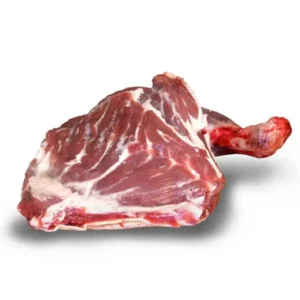
Take advantage of our current specials while stock is available.
Save HereDon't miss out on these incredible prices. Shop today!
High quality premium crinkle cut fries
Four delicious and ready to cook packs per case. Each pack weighs 2.5kgs

5 %
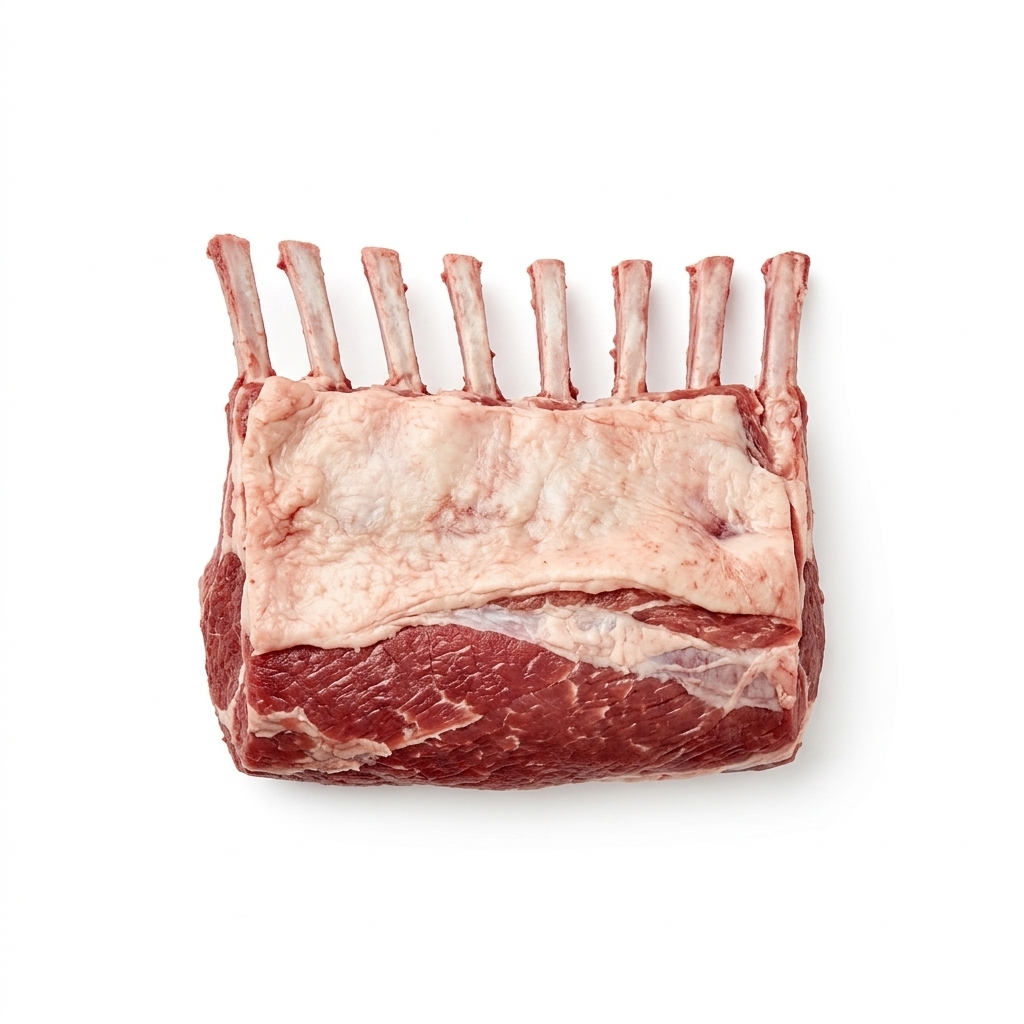
Limited specials on our racks of premium bone-in lamb
Tender, bone-in rack of lamb, perfect for roasting or grilling. Delicate flavor and fine marbling for a juicy, elegant meal.
Shop Now
$ 55.00 PER LB.







Fast Shipping
Receive your order anywhere in the world
Return Policy
Talk to our experts by chat or e-mail
Payment Security
Don’t worry, all orders are processed securely
Free Shipping
Collect points and enjoy a host of benefits!
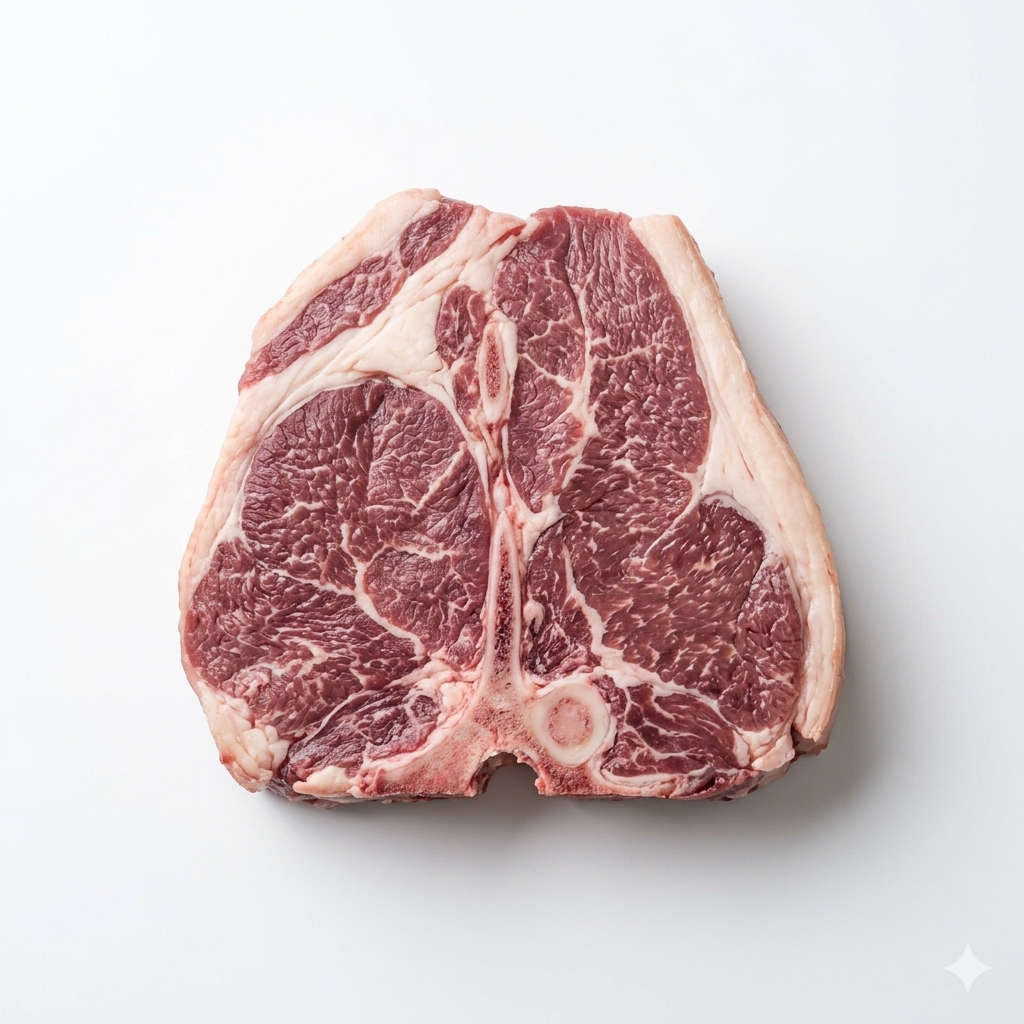
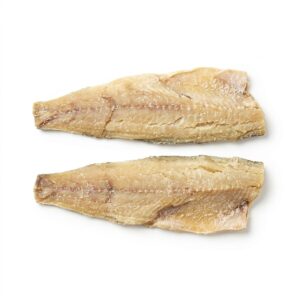
Premium Meats



These items are available for wholesale and retail purchases.






NEWSLETTER
Sign up to our mailing list to benefit from new discounts and campaigns.

This is the first item's accordion body.
It is shown by default, until the collapse plugin adds
the appropriate classes that we use to style each
element. These classes control the overall appearance,
as well as the showing and hiding via CSS transitions.
You can modify any of this with custom CSS or overriding
our default variables. It's also worth noting that just
about any HTML can go within the
.accordion-body
, though the transition does limit overflow.
This is the first item's accordion body.
It is shown by default, until the collapse plugin adds
the appropriate classes that we use to style each
element. These classes control the overall appearance,
as well as the showing and hiding via CSS transitions.
You can modify any of this with custom CSS or overriding
our default variables. It's also worth noting that just
about any HTML can go within the
.accordion-body
, though the transition does limit overflow.
This is the first item's accordion body.
It is shown by default, until the collapse plugin adds
the appropriate classes that we use to style each
element. These classes control the overall appearance,
as well as the showing and hiding via CSS transitions.
You can modify any of this with custom CSS or overriding
our default variables. It's also worth noting that just
about any HTML can go within the
.accordion-body
, though the transition does limit overflow.
This is the first item's accordion body.
It is shown by default, until the collapse plugin adds
the appropriate classes that we use to style each
element. These classes control the overall appearance,
as well as the showing and hiding via CSS transitions.
You can modify any of this with custom CSS or overriding
our default variables. It's also worth noting that just
about any HTML can go within the
.accordion-body
, though the transition does limit overflow.
This is the first item's accordion body.
It is shown by default, until the collapse plugin adds
the appropriate classes that we use to style each
element. These classes control the overall appearance,
as well as the showing and hiding via CSS transitions.
You can modify any of this with custom CSS or overriding
our default variables. It's also worth noting that just
about any HTML can go within the
.accordion-body
, though the transition does limit overflow.
This is the first item's accordion body.
It is shown by default, until the collapse plugin adds
the appropriate classes that we use to style each
element. These classes control the overall appearance,
as well as the showing and hiding via CSS transitions.
You can modify any of this with custom CSS or overriding
our default variables. It's also worth noting that just
about any HTML can go within the
.accordion-body
, though the transition does limit overflow.
This is the first item's accordion body.
It is shown by default, until the collapse plugin adds
the appropriate classes that we use to style each
element. These classes control the overall appearance,
as well as the showing and hiding via CSS transitions.
You can modify any of this with custom CSS or overriding
our default variables. It's also worth noting that just
about any HTML can go within the
.accordion-body
, though the transition does limit overflow.